You can test your VBOS device's signal reception and status displays by using the Diagnostics tool. This can be useful if you're in doubt whether a VBOS Device is functioning correctly.
How to test a VBOS Device using the Diagnostics tool:
Note: To successfully perform device diagnostics, the VBOS Device must be plugged in, and your mobile device must be connected to the fastest network available at your location.
1. Open the VBOS Setup App and select the "Diagnostics" tool.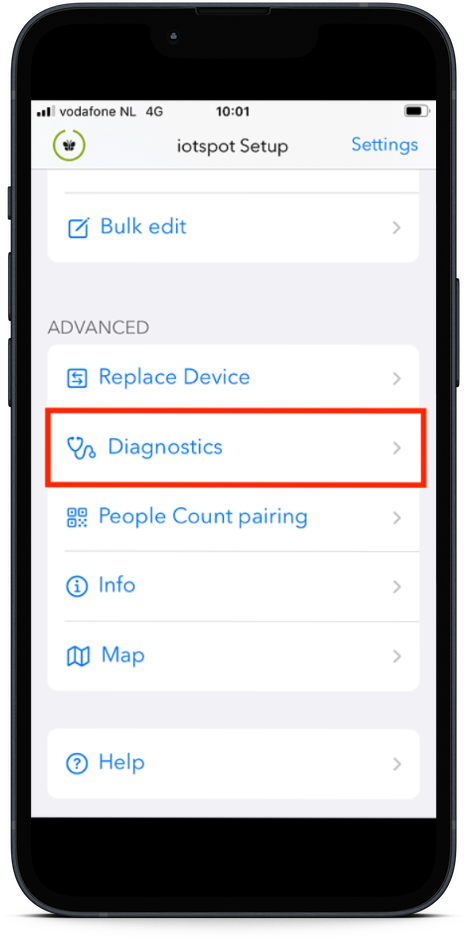
2. Scan a VBOS Device or manually enter its Device ID.
3. Select a status or device color to display and observe the results. While functioning correctly, the VBOS Device will change color to the one you selected.
Note: If using the Android version of the Setup App, you will need to reset the VBOS Device's status to "Actual State" when you're done testing. Otherwise, the VBOS Device will remain in the state that you have set it to, until a new booking is made.
The following video shows how to perform device diagnostics: