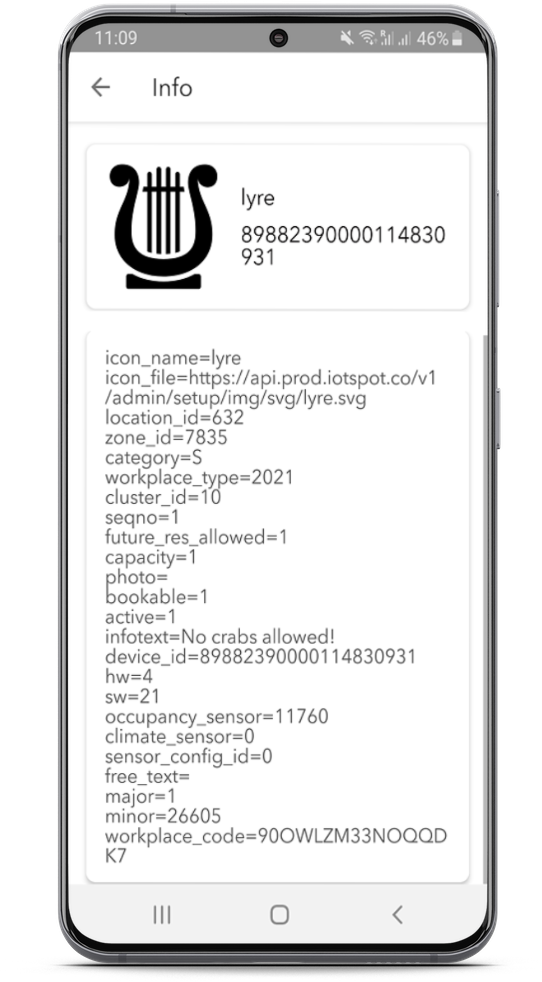
You can access full configuration details and other information stored within a VBOS device by using the Info tool in the VBOS Setup app. While most of this information is easily visible in the Control Center, the Info tool can be useful for checking for potential errors within the configuration or for double-checking existing configuration on the spot.
Note: at the moment, the Info tool provides a very limited set of information on iOS. Please use Android to access full details.
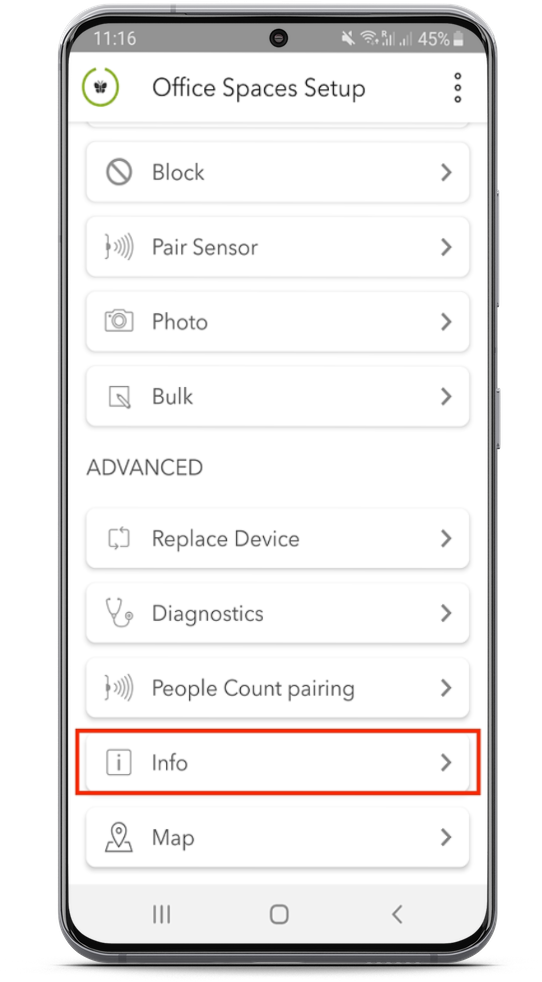
- Open the VBOS Setup App and select the "Info" tool
-
Scan (or manually access using the Device ID) the VBOS device which you would like to see the stored information for. You will now be able to see all data that is stored within the selected VBOS device.
Note: manual access is currently unavailable on iOS devices